MAX IPTV
for Tablet
Live TV, movies & series with room to breathe — on iPad, Android tablets, and Amazon Fire Tablets.
Built For The Big Screen
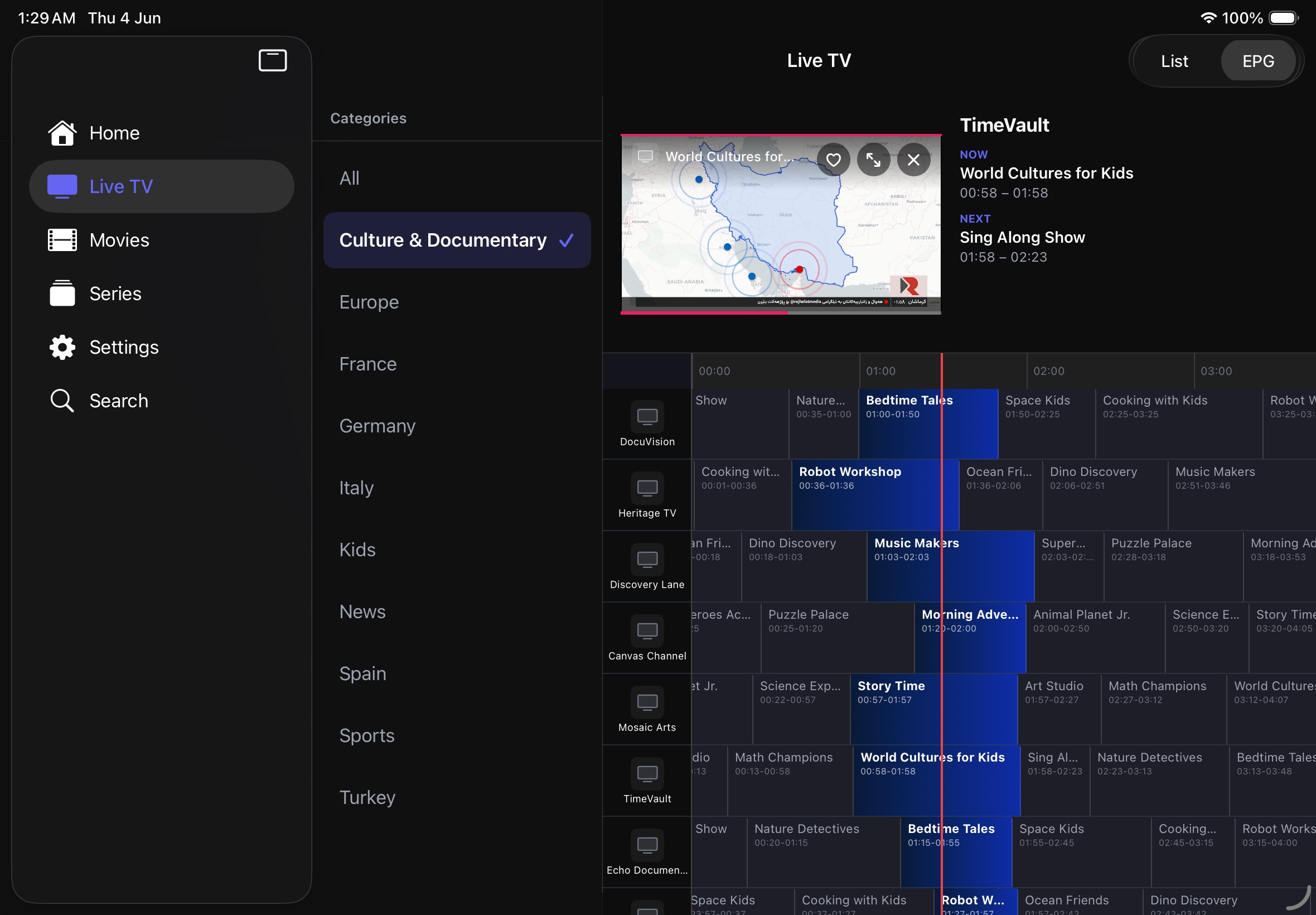
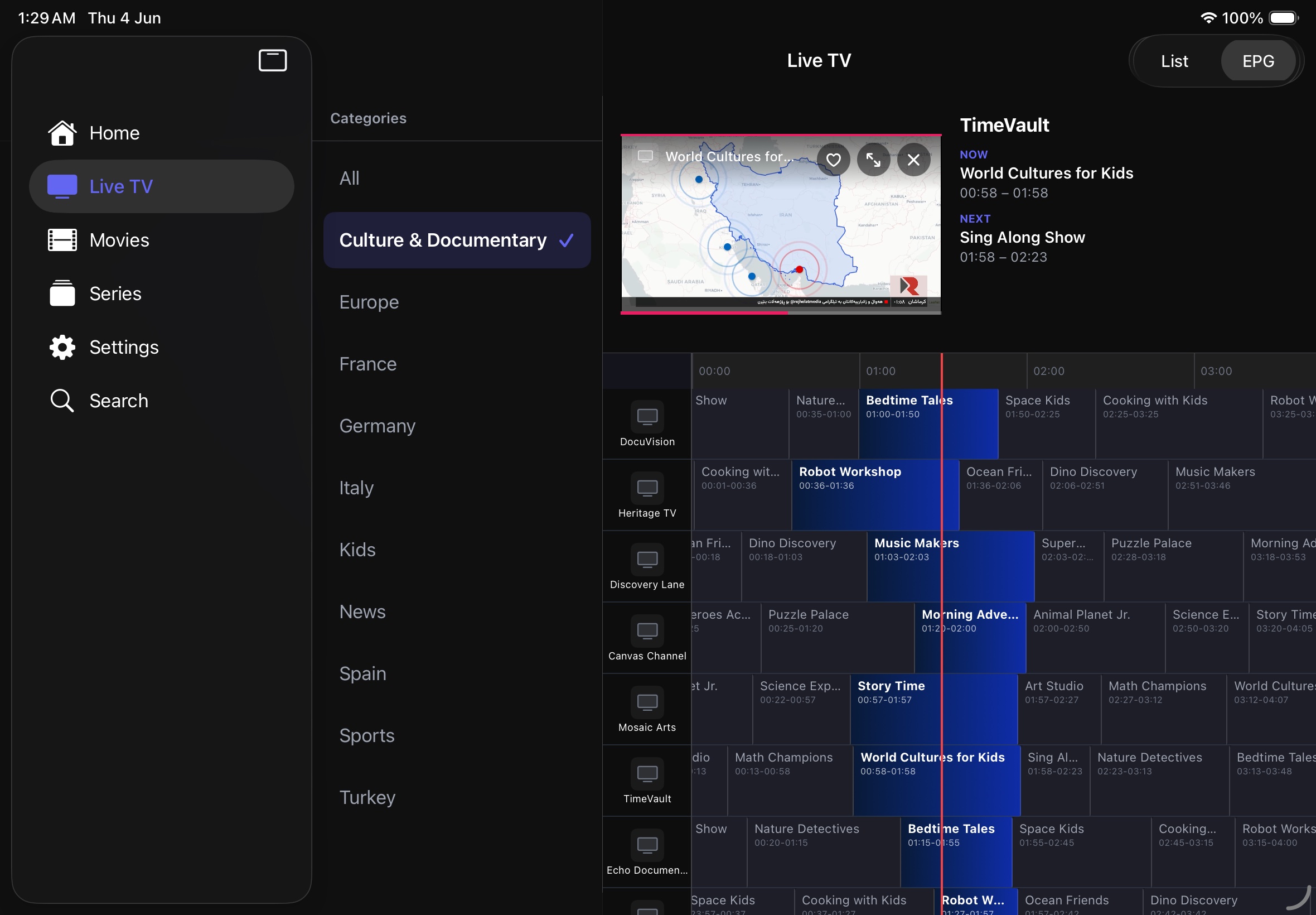
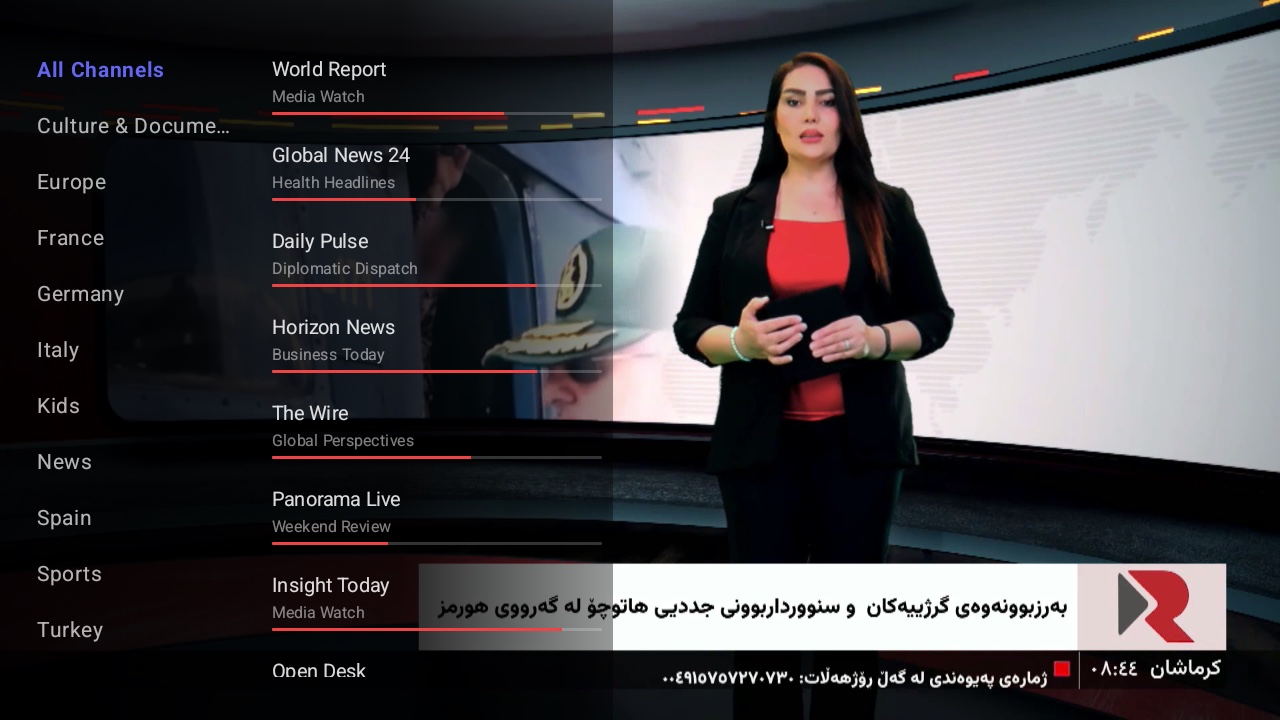
Split-View EPG
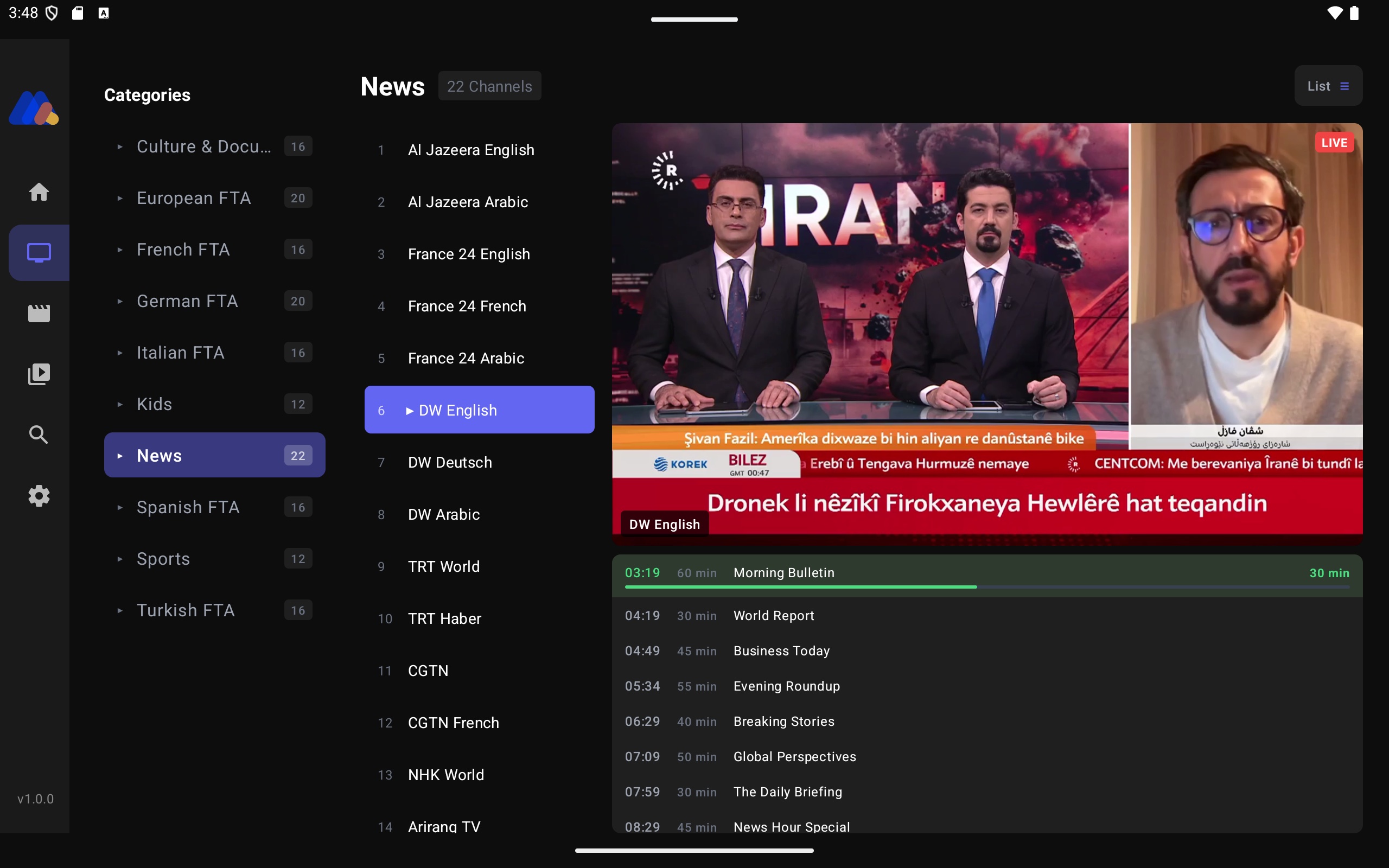
The big screen shows the full guide and the live player side by side — browse the schedule without ever leaving the channel.
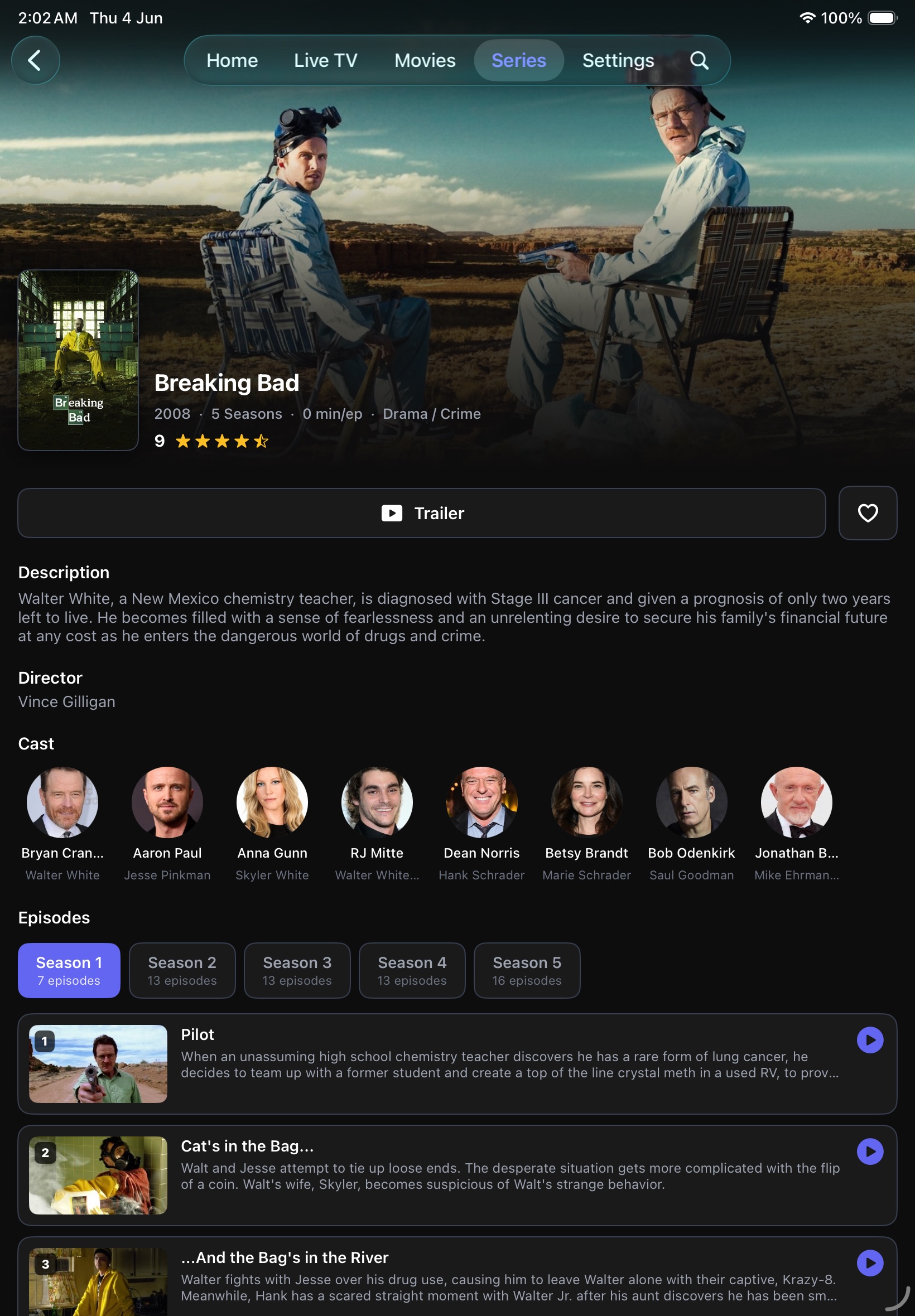
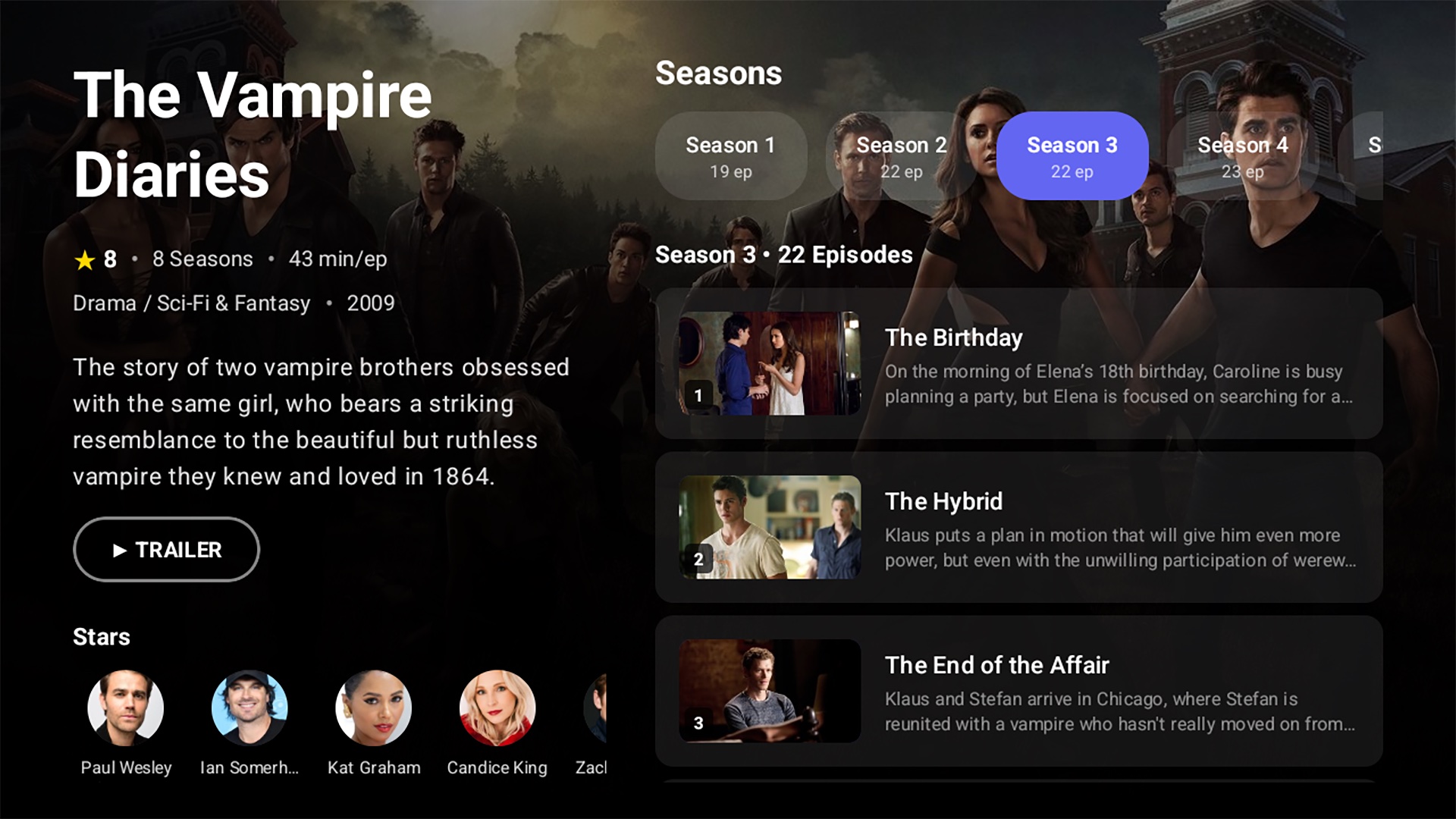
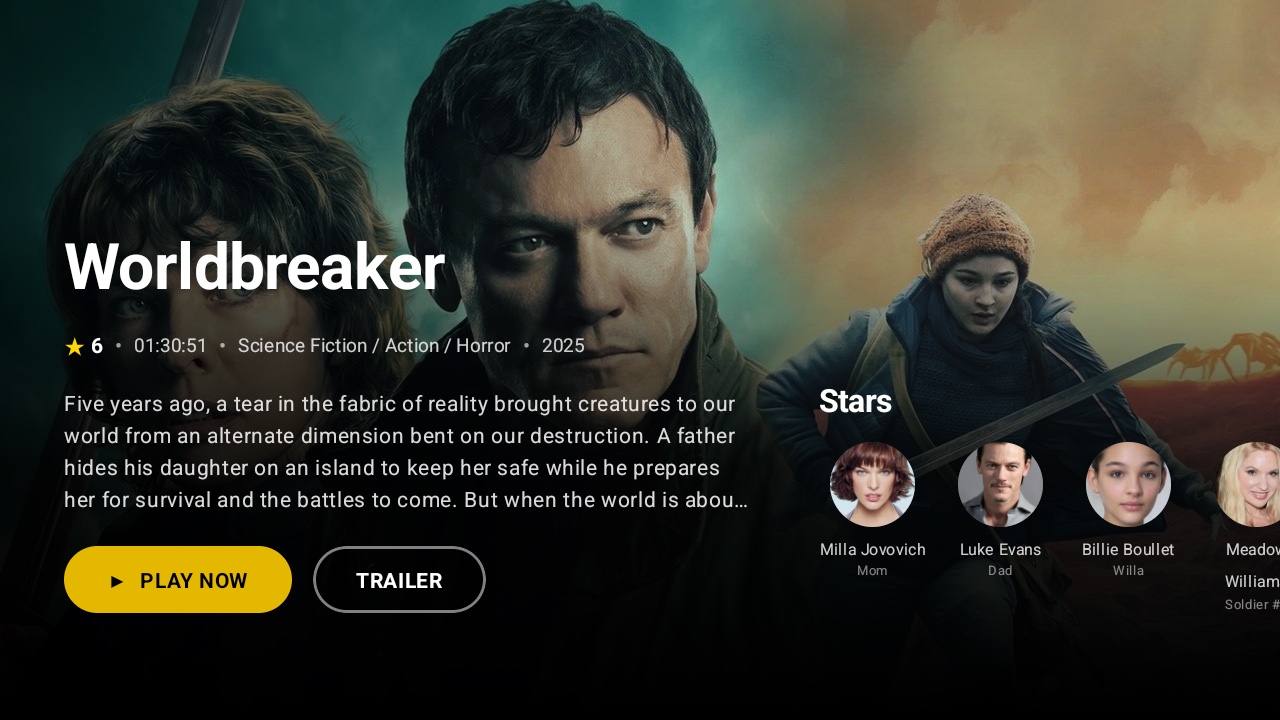
Movies & Series
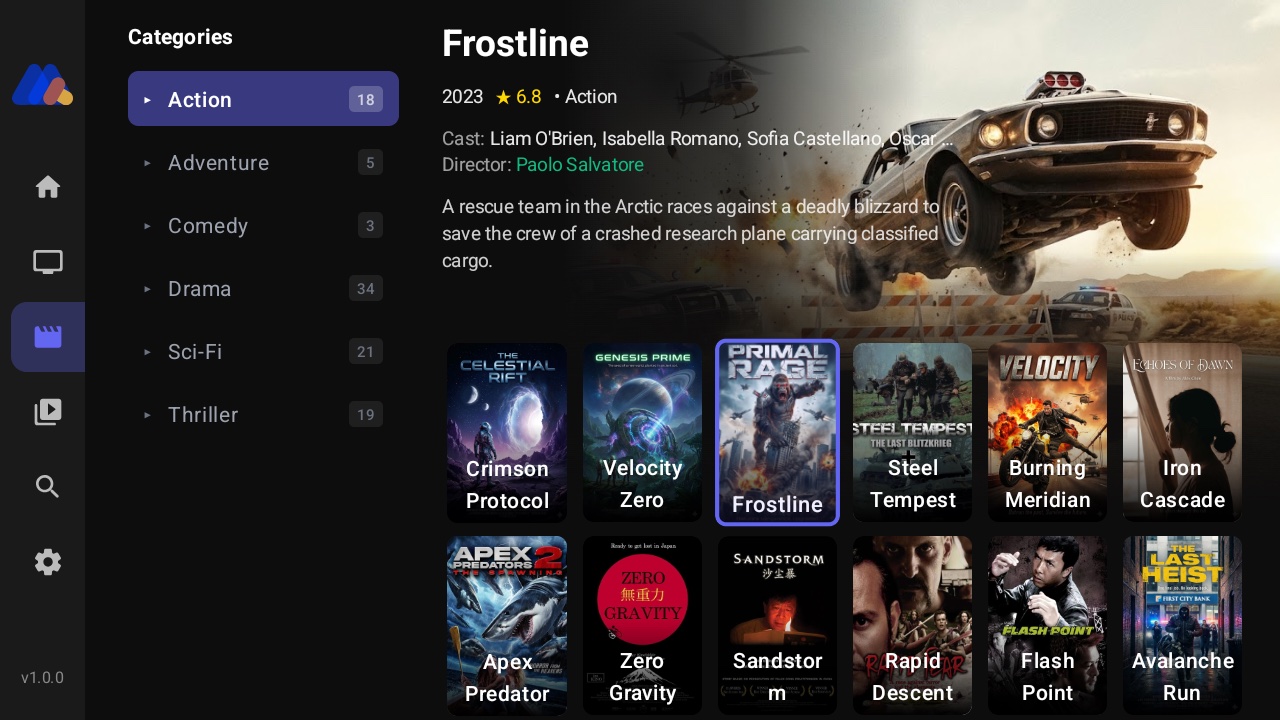
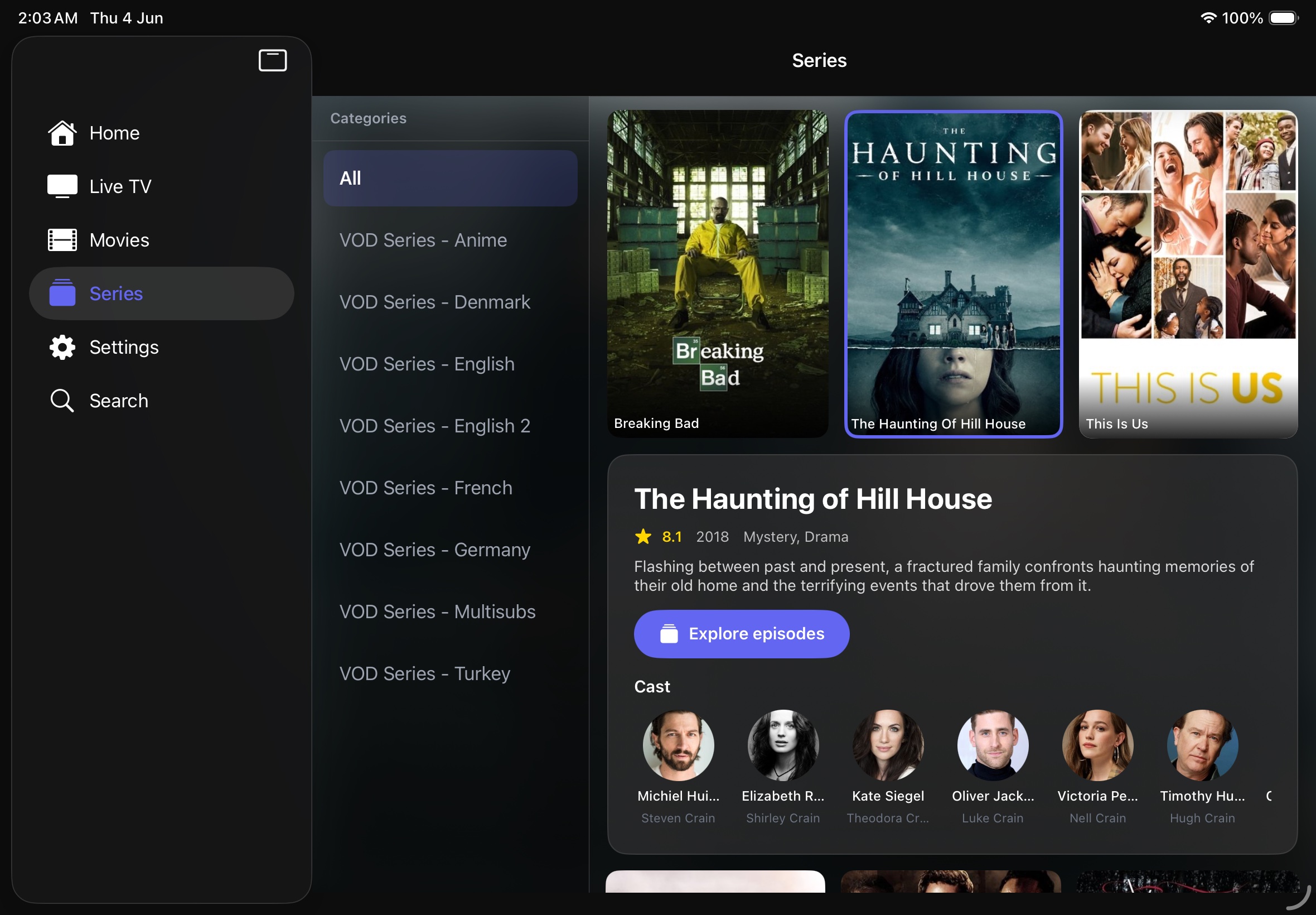
A cinematic VOD library with rich TMDB metadata, trailers, cast info, and continue watching — built for the larger canvas.
Fast Search
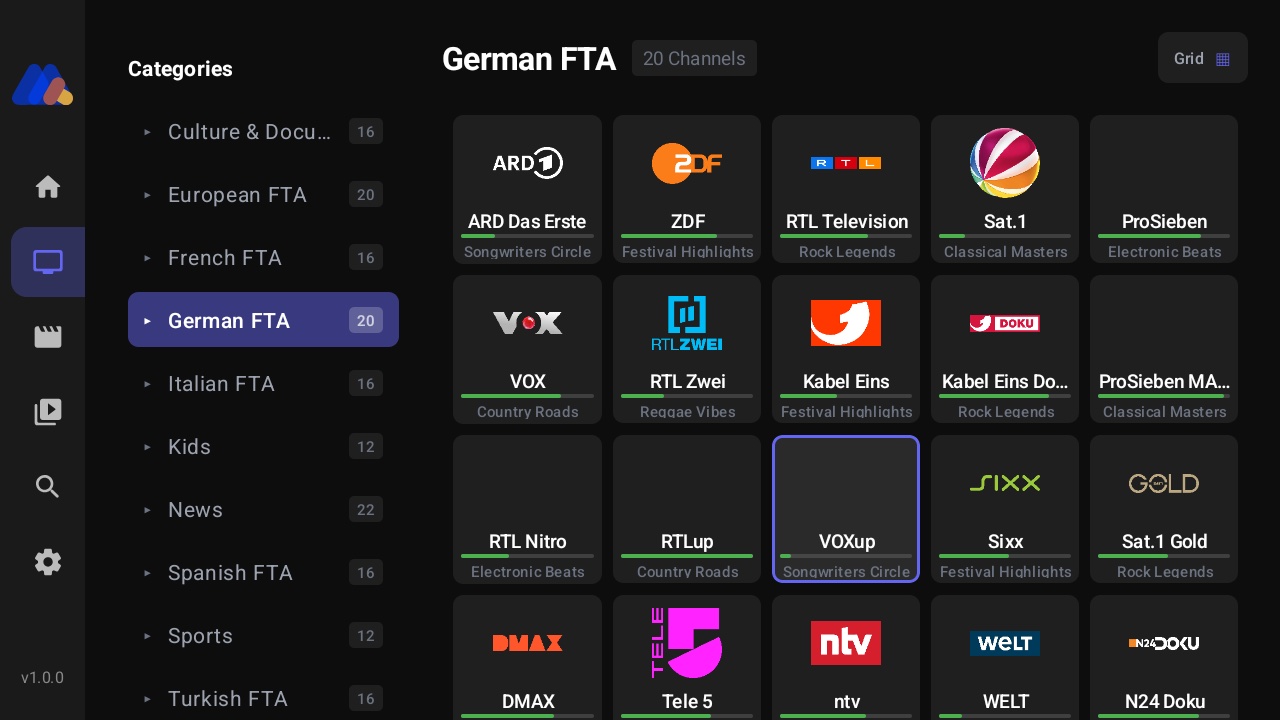
Find any channel, movie, or series instantly across your whole playlist with debounced, full-library search.
Cloud Sync
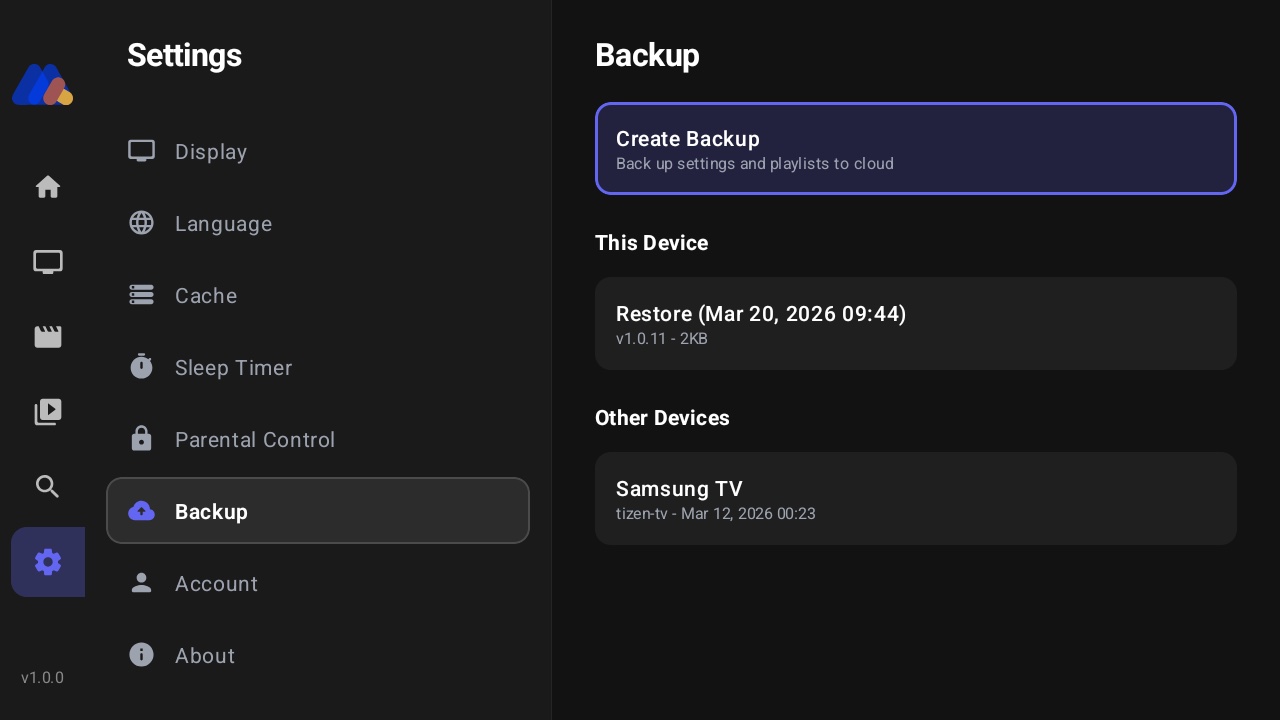
Favorites, watch history, and settings sync seamlessly between your tablet, phone, TV, and the web player.
Parental Controls
PIN-based locking for channels and categories, with an auto-lock timer to keep content family-appropriate.
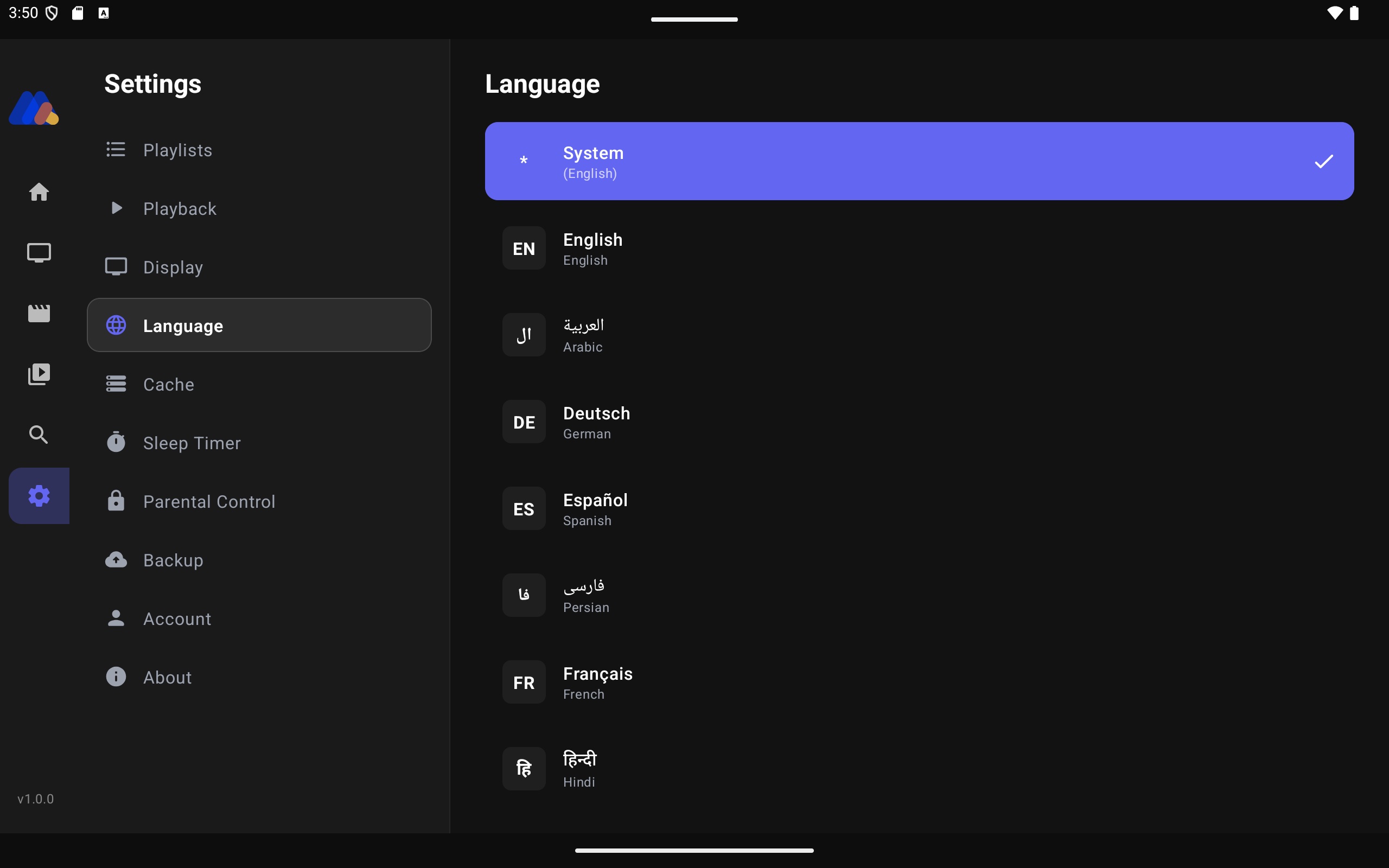
Multi-Language
Full interface localization in 20+ languages for global users, on every tablet platform.
Custom Channel Lists
Mix channels from any category into your own playlists — group favorites and build themed lists your way.
TMDB Integrated
Movies and series are enriched with posters, cast, ratings, trailers, and synopses from TMDB.
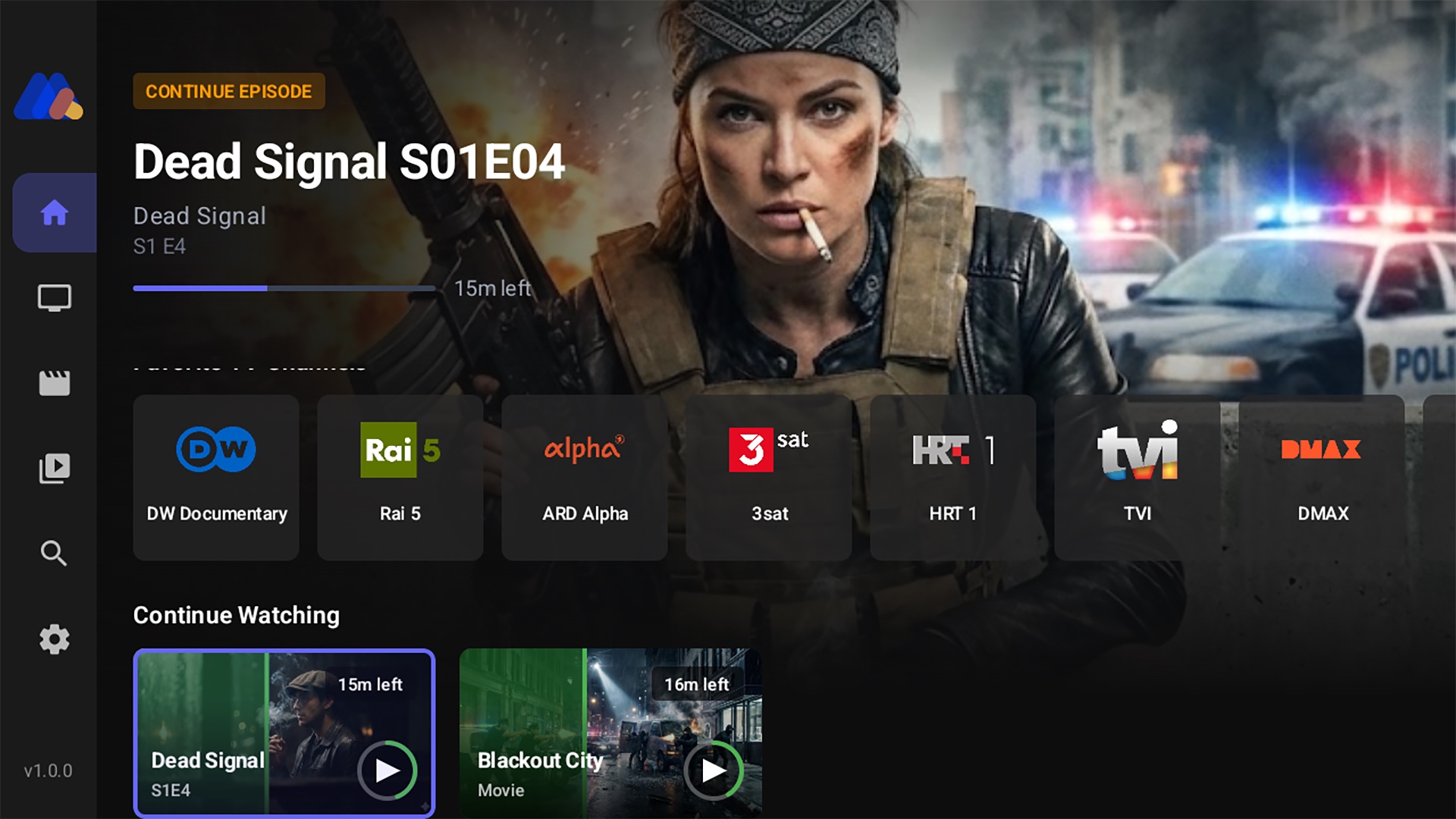
Personal Home Screen
Your own hub with favorites, continue watching, and quick access to everything you organized.
On iPad & Android
The same MAX IPTV, shown in its real frame on each device.

Personal Home Screen
Get MAX IPTV on your tablet
Available on iPad, Android tablets, and Amazon Fire Tablets.
iPad
Download the universal app straight from the App Store — runs natively on iPad.
App Store
Android Tablet
Install from Google Play, or download the APK directly from maxiptv.app.
Google Play
Fire Tablet
Amazon Fire Tablets sideload the APK with the Downloader app — see the full guide.
Sideload GuideFrequently Asked Questions
Ready to stream on your tablet?
Create your free account and start watching in minutes.
Get Started Free